Enrollment Tokens
An enrollment token is a one-time secret that lets one device request one certificate. Your own system creates the token through the API, and the token decides the name in the certificate. This is useful for devices that are not managed by Intune, for example Linux laptops. See the Linux Device Kit.
Prerequisites
- A profile that accepts Enrollment tokens on its Who may request tab. The Linux devices with enrollment tokens template sets this up. See Profiles.
- An API key with the
enrollment-tokens:createpermission for that profile. See Credentials.
Create a token
Tokens can't be created in the portal, because the token's value is only ever given to the system that created it. Create one with the API:
curl -X POST "https://<your-instance>/api/v1/profiles/<slug>/enrollment-tokens" \
  -H "Authorization: Bearer <api-key>" \
  -H "Content-Type: application/json" \
  -d '{"expiresIn": "PT2H", "channels": ["scep"], "variables": {"cn": "laptop-001"}}'
| Field | Meaning |
|---|---|
expiresIn |
How long the token is valid, as an ISO 8601 duration. PT2H is 2 hours. |
channels |
Where the token may be used: scep, api or both. |
variables |
The values the token puts in the certificate, for example the cn. |
The response contains the token, its id, expiresAt and the profile's scepUrl. Give the token to the device, which sends it as the SCEP challenge password. It works once.
View tokens
Open Configuration > Enrollment tokens in the EasyScep portal. The list shows each token's profile, status, what it is limited to, when it was created and expires, and what it was used for.
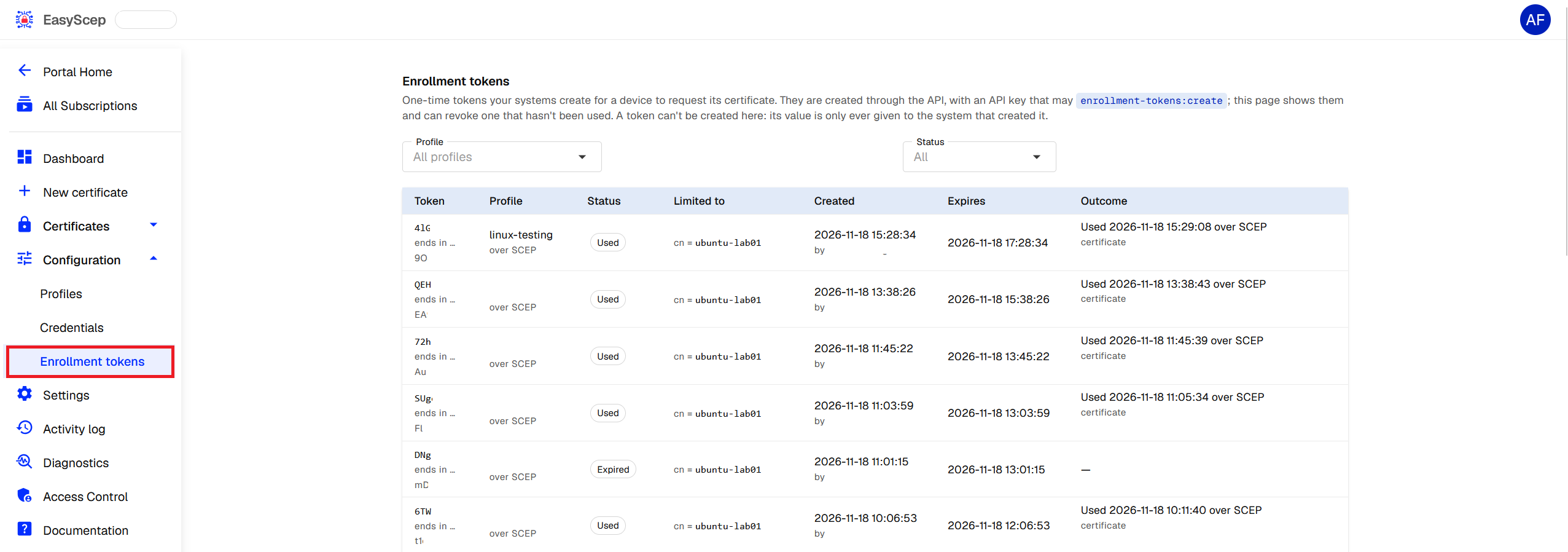
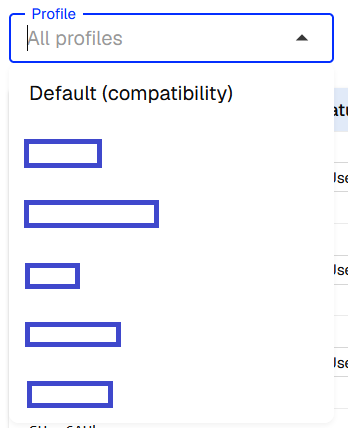
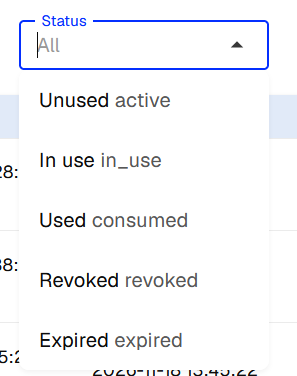
Filter the list by Profile or by Status:
| Status | Meaning |
|---|---|
| Unused | Created and not used yet. |
| In use | A device is using it right now. |
| Used | A certificate was issued with it. |
| Revoked | Revoked before it was used. |
| Expired | Not used before it expired. |
If a device's request with a token is refused, the Activity log shows why.
Revoke a token
You can revoke a token that hasn't been used yet from the Enrollment tokens page.